Filters

Changing any of the form inputs will cause the list of events to refresh with the filtered results.

  • Digital Skills: Gadget Lab

    CLP – Hill District 2177 Centre Avenue, Pittsburgh, United States

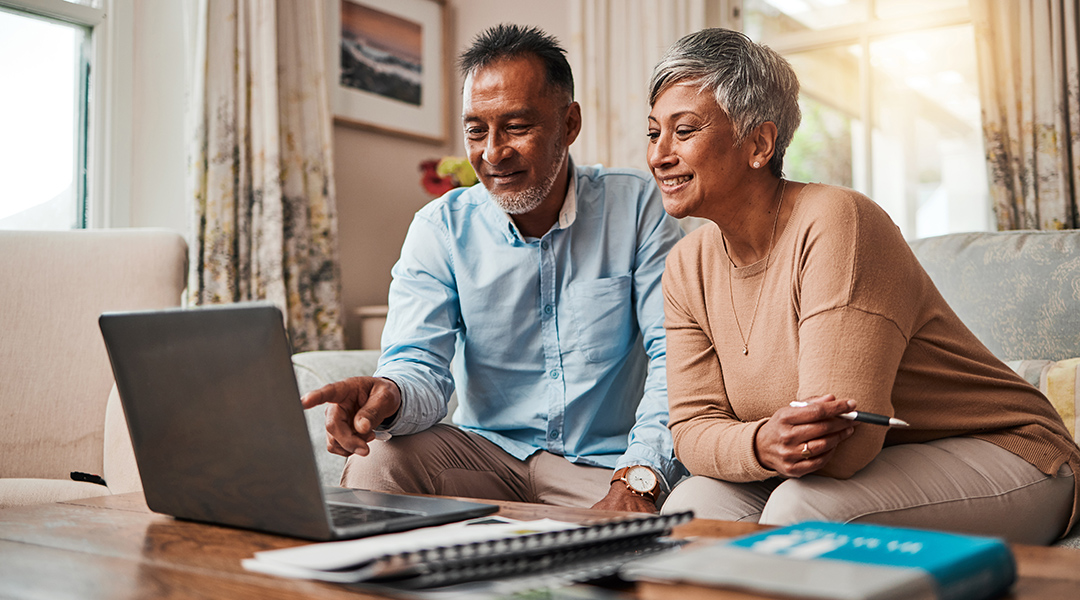
    Drop in to learn how to use your tablet, iPad, smartphone, laptop, computer or other devices. At this informal help session you can ask us about your device or the apps and programs installed on it, including Microsoft and Google tools. First come, first served.
  • Postponed Pitt Cyber’s Civic Resilience Initiative presents #FakeNews: Making Sense of Digital Media in the Era of Mis/Disinformation and Clickbait

    CLP – Main (Oakland) 4400 Forbes Avenue, Pittsburgh, PA, United States

    Disinformation aka “fake news,” has been around for over a century, but lately it feels like it is everywhere, due to the rise of digital technologies and social media. The need for trustworthy information has grown. Join Dr. Jessica Ghilani of the Pitt Disinformation Lab for a session that provides historical context for and understanding … Continued

  • We Learn: Microsoft 365 Excel Basics to Advanced

    CLP – Downtown 612 Smithfield Street, Pittsburgh, PA, United States

    Learn and practice excel capabilities such as formatting cells, sorting, using pre-defined Excel functions, tabulating totals and subtotals, filtering data, pivot tables and pivot charts, relative and absolute macros. Using AI Copilot with Excel. Each session includes a detailed step-by-step handout for the session exercises. You can use your own Windows laptop or one can … Continued

  • Digital Skills

    CLP – Brookline 708 Brookline Boulevard, Pittsburgh, PA, United States

    Drop in to learn how to use your tablet, iPad, smartphone, laptop, computer or other devices. At this informal help session you can ask us about your device or the apps and programs installed on it, including Microsoft and Google tools. First come, first served.
  • Digital Skills: Gadget Lab

    Digital Skills: Gadget Lab
    CLP – Homewood 7101 Hamilton Ave, Pittsburgh, United States

    Drop in to learn how to use your tablet, iPad, smartphone, laptop, computer or other devices. At this informal help session you can ask us about your device or the apps and programs installed on it, including Microsoft and Google tools. First come, first served.
  • Open Tech Session

    Open Tech Session
    CLP – Library of Accessible Media for Pennsylvanians (LAMP) 4724 Baum Boulevard, Pittsburgh, United States

    Join us as we explore and review accessibility features of popular apps and websites.

  • Tactile Tuesday

    Tactile Tuesday
    CLP – Library of Accessible Media for Pennsylvanians (LAMP) 4724 Baum Boulevard, Pittsburgh, United States

    Experience embossed, Swell Form, and 3-D printed items, and explore ideas and interests on the topic of tactile accessibility in an open discussion. We will also learn about the tools and software used to produce tactile objects.

  • We Learn: Microsoft 365 Excel Basics to Advanced

    CLP – Downtown 612 Smithfield Street, Pittsburgh, PA, United States

    Learn and practice excel capabilities such as formatting cells, sorting, using pre-defined Excel functions, tabulating totals and subtotals, filtering data, pivot tables and pivot charts, relative and absolute macros. Using AI Copilot with Excel. Each session includes a detailed step-by-step handout for the session exercises. You can use your own Windows laptop or one can … Continued

  • Digital Skills: Library Downloading and Streaming Basics

    CLP – Downtown 612 Smithfield Street, Pittsburgh, PA, United States

    Learn how to search for, borrow, read, listen to, or watch library items using downloading and streaming services you can access with your library card. We will review the CIPA and NCIPA legislation and how the library uses filtering to keep minors safe online.